

Colorfront introduces new AI, automation and usability features into Transkoder 2026 mastering and transcoding software, and extends Dolby Vision and Apple Immersive workflows
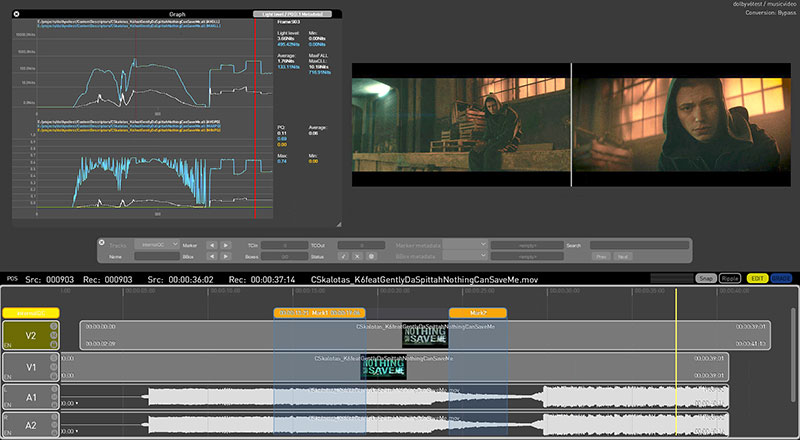
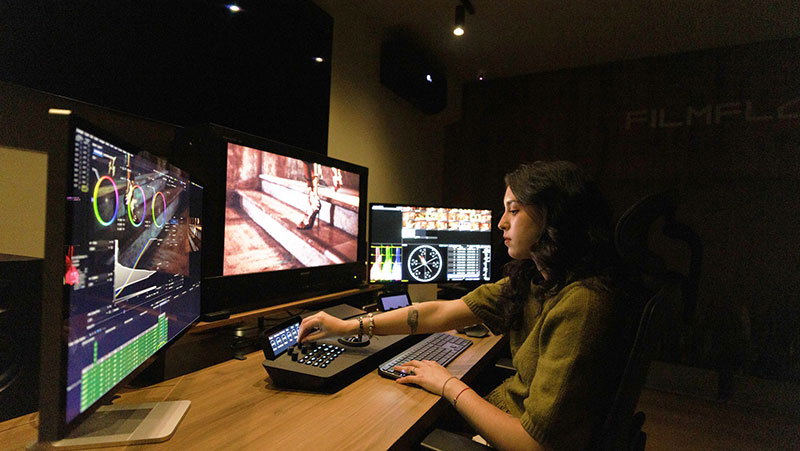
Colorfront has introduced a new set of AI, automation and usability features into the 2026 version of the Transkoder GPU-accelerated mastering and transcoding software, and has extended its collaborations with technology partners including Dolby and Apple.
“With its new AI/automation tools and improved usability, Transkoder 2026 is reshaping workflow in digital cinema and high-end UHD TV production,” Mark Jaszberenyi, CEO, Colorfront. “These new features bring opportunities to push speed and efficiency to even greater levels on crucial, time-consuming mastering, transcoding and QC procedures.”
AI Integration and Agentic AI Workflow
Colorfront has incorporated AI into Transkoder for several years, and is now establishing integration pathways for public and locally-deployed AI model APIs, which connect the software with AI services to integrate artificial intelligence capabilities into their applications.
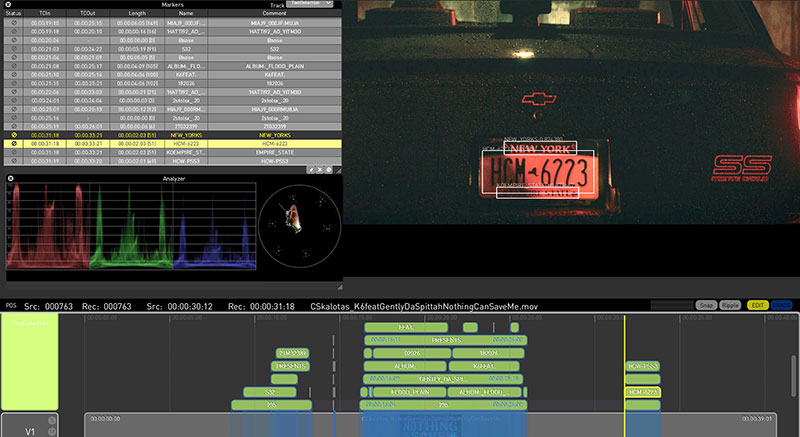
Text Detection is a production-ready module that catalogues on-screen written text and generates structured reports. Its new AI-assisted capabilities encompass upscaling to very high resolutions, de-interlacing and frame-rate conversions.
Colorfront has also formalised its approach to Agentic AI integration and Agentic AI-orchestrated production pipelines. Transkoder enables functionality through MCP (Model Context Protocol) servers and skills that make structured, discoverable interfaces available to external AI agents.
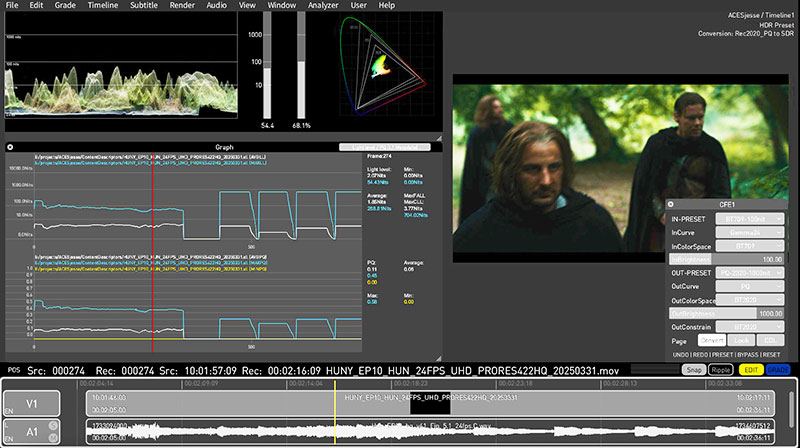
By supplying context, data or capabilities, the servers help AI models connect to external systems like databases and web services, and puts their responses into a format the model understands, which in turn helps developers build new functionality. Accompanying machine-readable schemas, plus API documentation, ensure that Transkoder operations can be automated through AI agents and remain robust.
Automation Tools for Faster Rendering
Along with the advantages of AI power, Colorfront has focussed on automating and accelerating routine workflow tasks with implementation of the Colorfront browser-based review/orchestration platform.
Currently in closed beta with select customers, the new platform supports hybrid operation – that is, the automated execution of routine tasks such as ingest, QC, transcoding and deliverable preparation, combined with full operator control and intervention. At any stage, users can escalate jobs directly into Transkoder’s interface without workflow disruption. The Colorfront platform supports on-premises, private data centre and public cloud deployment, including encrypted DCP workflows in AWS.
A Linux-based Transkoder Engine has been developed to optimise deployment of render farms and automated pipelines, while Transkoder Engine’s new persistent execution mode maintains live rendering across successive jobs. This avoids overheads that compound significantly in shot level processing workloads.
API integration has been simplified through improved documentation and the addition of schema files. The schema defines the structure and constraints of the data exchanged with the server. The schema files allow systems to dynamically load and adjust the data structures and behaviour, relying less on hardcoding and improving flexibility and scalability.
Automated QC and Media Analysis
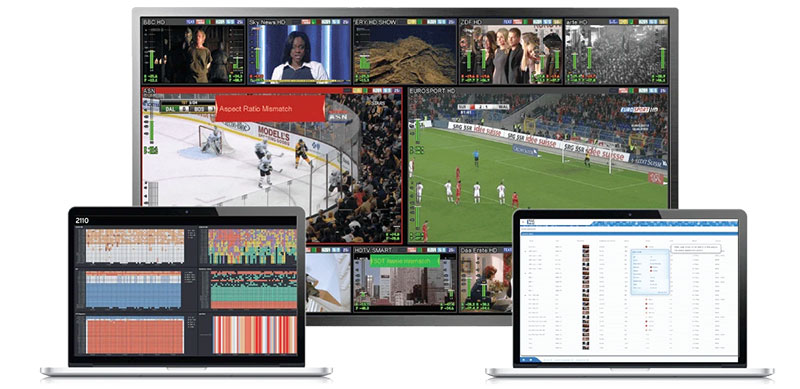
The QC pipeline has been extended with new Detection modules targeting common media integrity issues, including clipped highlights, crushed blacks, camera judder and matte intrusion. Updated QC reporting delivers more granular per-process detail, in machine-readable result and human-readable PDF formats.
Ease of Use
Transkoder’s dual-timeline architecture has been upgraded with a variety of real-time synchronised playback modes – ganged, side-by-side, wipe and difference – to support frame-accurate comparative review without context switching.
Identifying editorial changes between content versions has usually required either full re-QC or labor-intensive manual review. Transkoder’s new Composition Comparison Engine avoids either one through a combination of analysing the video content for semantics, and comparing it technically at pixel-level. The engine also allows users to automatically align textless elements relative to a texted longplay video asset.
Audio automation has been introduced through keyframe-driven volume curves, addressing a core requirement in localisation workflows for loudness and censorship compliance. Lock, Solo and Mute controls are now available across all video and audio tracks, and behaviour for handling gaps has been aligned with established NLE conventions.
Bin Management for organising media and metadata has been improved with a structured list view, optimised for productions that have complex naming conventions. Operators can now assign multiple metadata labels per project, with full search and sort integration – supporting better asset-governance across operations working on multiple titles.
Dolby Vision 2 and Apple Vision Pro Collaborations
As a technology partner of Dolby, Colorfront is among the first to demonstrate creation workflows for Dolby Vision 2 experiences on the new high-performance TVs. Using Colorfront’s implementation, users can add metadata for the Dolby Vision 2 extended feature set to existing Dolby Vision XML metadata, including the de-judder metadata creation toolset allowing authentic motion control on problematic material, with real-time preview supported via HDMI tunneling to Dolby Vision 2 reference TVs.
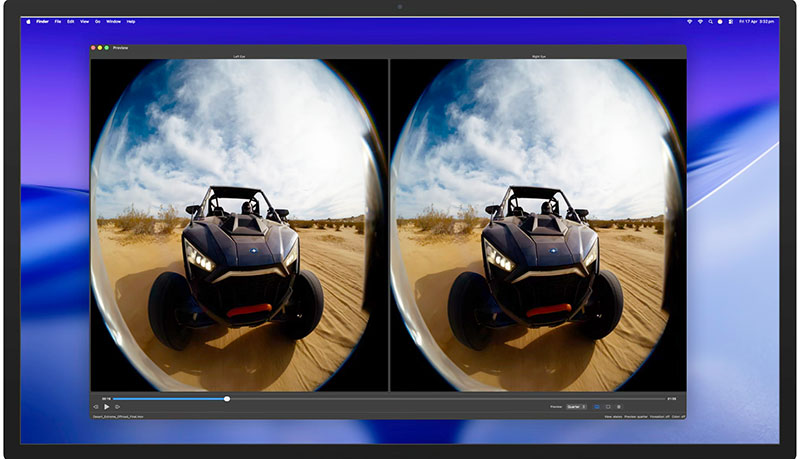
Regarding immersive content, Colorfront Transkoder and On-Set Dailies support an end-to-end delivery pipeline for Apple Vision Pro, combining GPU-accelerated image-processing with the integrated MainConcept Multiview (MV)-HEVC encoding library. The MV-HEVC Main 10 encoding preset of this library supports extended resolutions for immersive multiview processing. Users can develop solutions featuring MV-HEVC content creation for playback directly onto the Apple Vision Pro.
The new Colorfront Immersive Utility – available now in the App Store – can be used to master and verify packages for Apple Vision Pro, simplifying the process for preparing immersive video content. The app accepts video in ProRes, MV-HEVC and other standard formats, pairs it with Spatial Audio and camera metadata, and outputs a single AIVU (.aivu) file ready for playback and distribution to the Apple Vision Pro. colorfront.com